
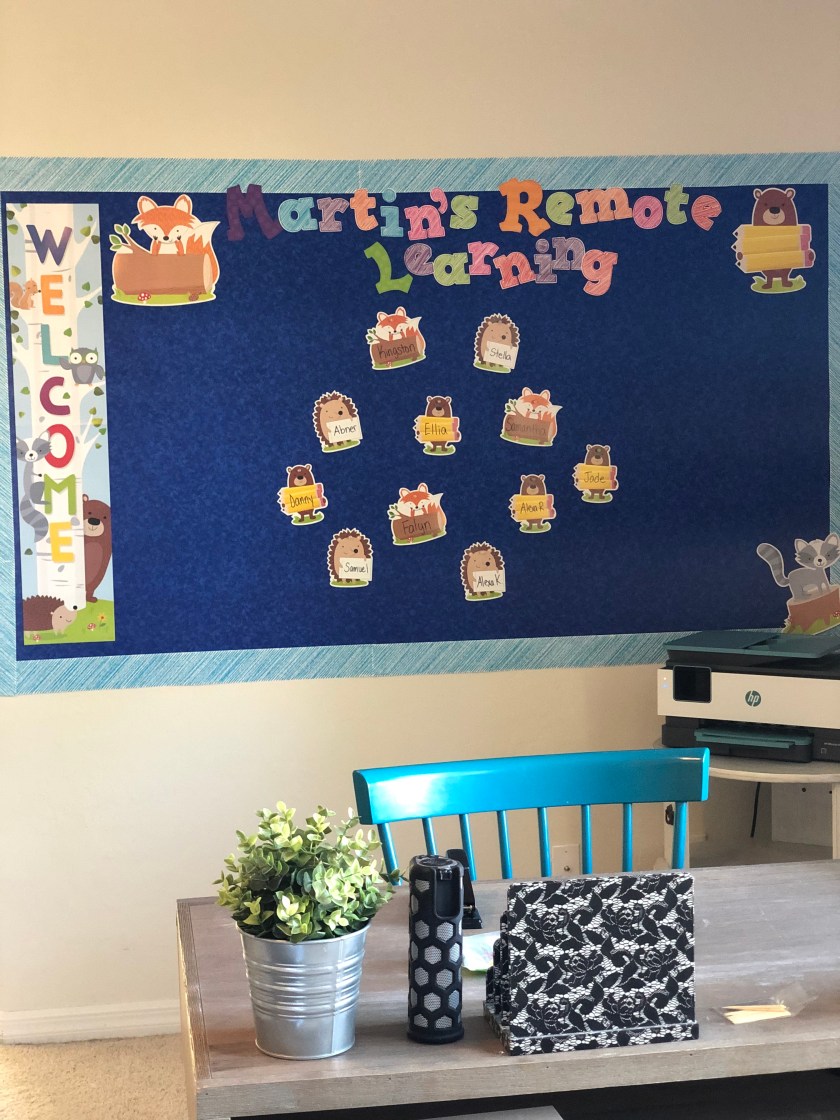
As we are all gathering our realities from the new standards set in result of the COVID-19 coronavirus, teachers are figuring out what we can do to make sure we continue teaching our students from home. I am launching a full classroom from home for my students and have decided to share and gather best practices! Feel free to use, modify, and implement anything you’d like from this blog! I’d love to hear what you are doing in your own home!
The first thing I needed to decide was which platforms to use. Because I have the G Suite, and many people are familiar with Google, I decided that my two main platforms would be:
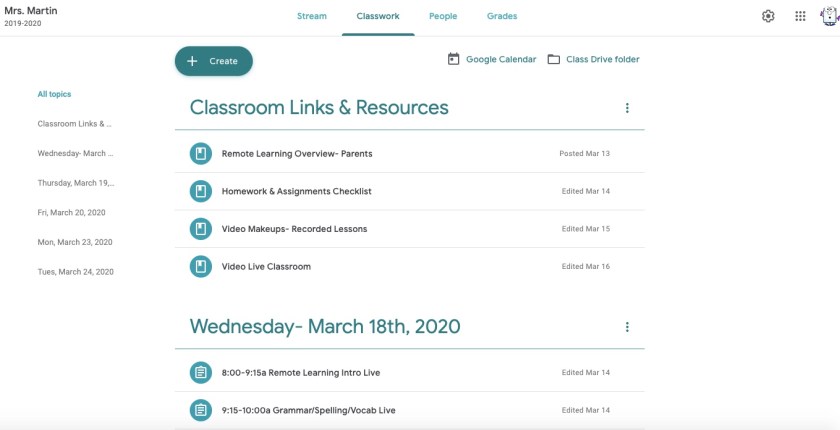
Google Classroom– I am using Google Classroom as a platform to store everything I want to share with my class, as well as to house a discussion board so we can communicate. I currently teach 3rd grade, however, this could work across all grade levels. Here is a screenshot of my class:
Zoom– This is where I do all my video chatting. I can have all of my students join for a live class, or prerecord lessons and house them in Google (or, I record my live lessons and then if students missed the lesson, they can go back and watch them). You will want to go through the settings and make sure you have them the way you want them. I set mine up so that all students are muted upon entry, they can’t do private meetings with one another, and only the host (me) can control screen sharing.
Once I had these two platforms set up, it was easy from there! I started making “Topics” in my Classroom, which are the titles (Links & Resources, Dates). Then, I made assignments under the topics. I found it easiest to just provide a link to my Zoom, that way students would go to that link every time it was time to learn!
Check back, as I will be posted resources I’m using to teach!
 Teacher: AnJolene Martin